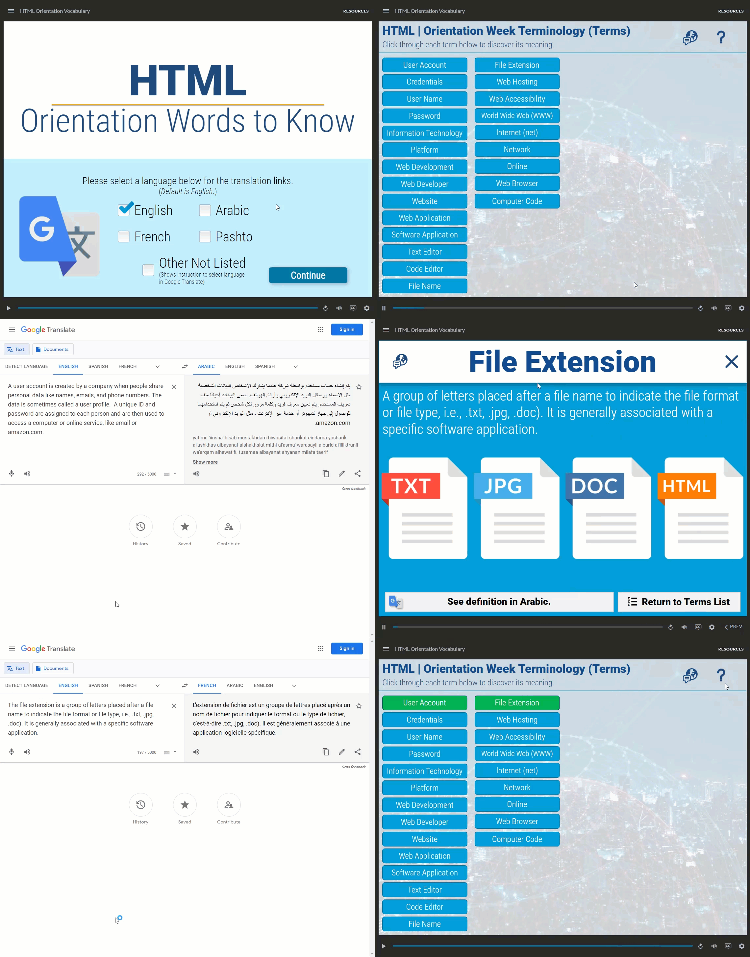
The Interactive Terms Glossary was developed to address a common challenge in technical training: learners struggling to keep track of complex terminology and concepts. This solution provides an engaging, user-friendly way to access definitions, explanations, and related information.
Key Features
- Real-time search: Instant filtering as users type
- Responsive design: Works seamlessly on all devices
- Progressive disclosure: Expandable definitions with additional context
- Cross-references: Links between related terms
- Accessibility focused: Screen reader friendly with proper ARIA labels
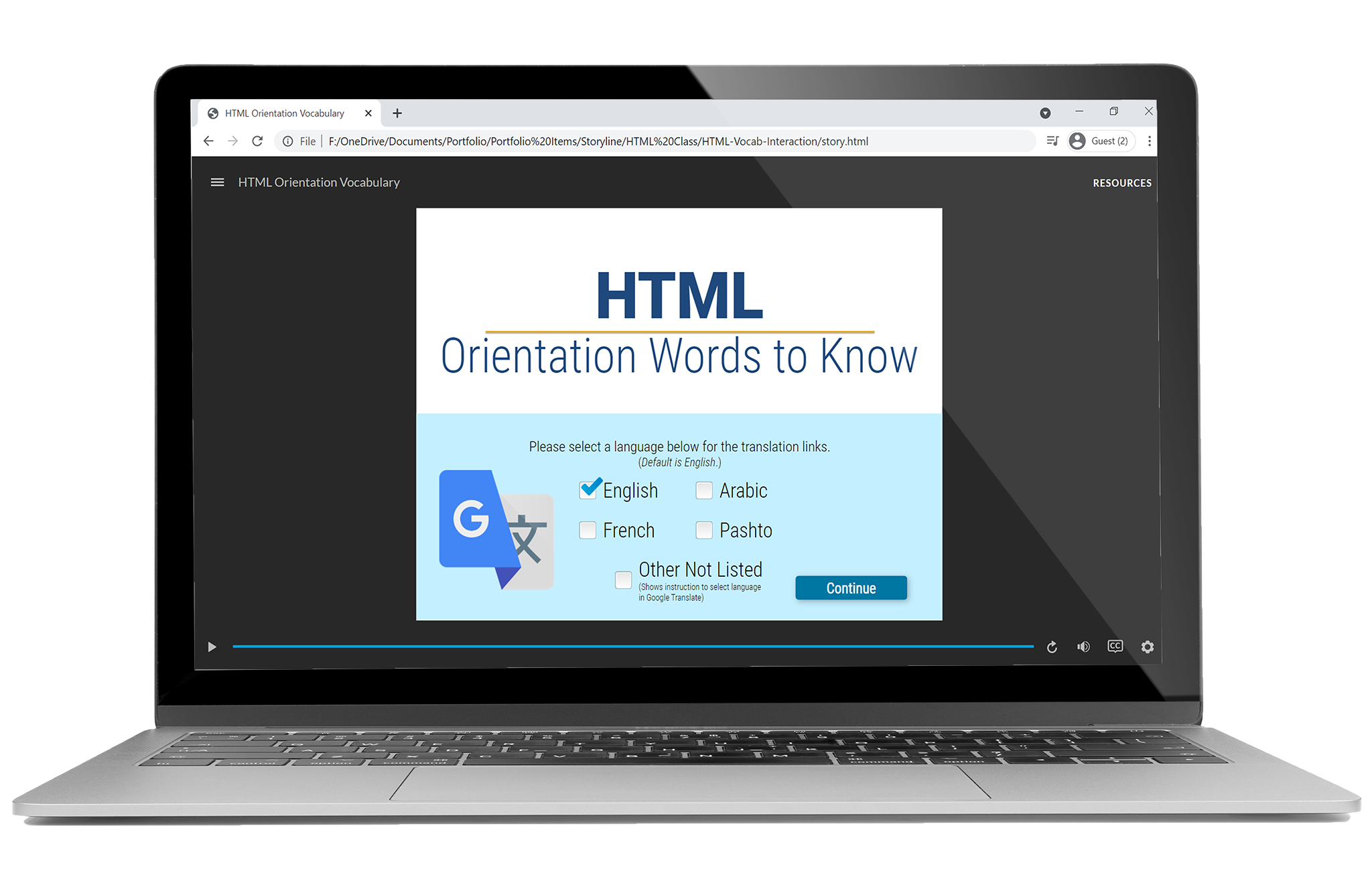
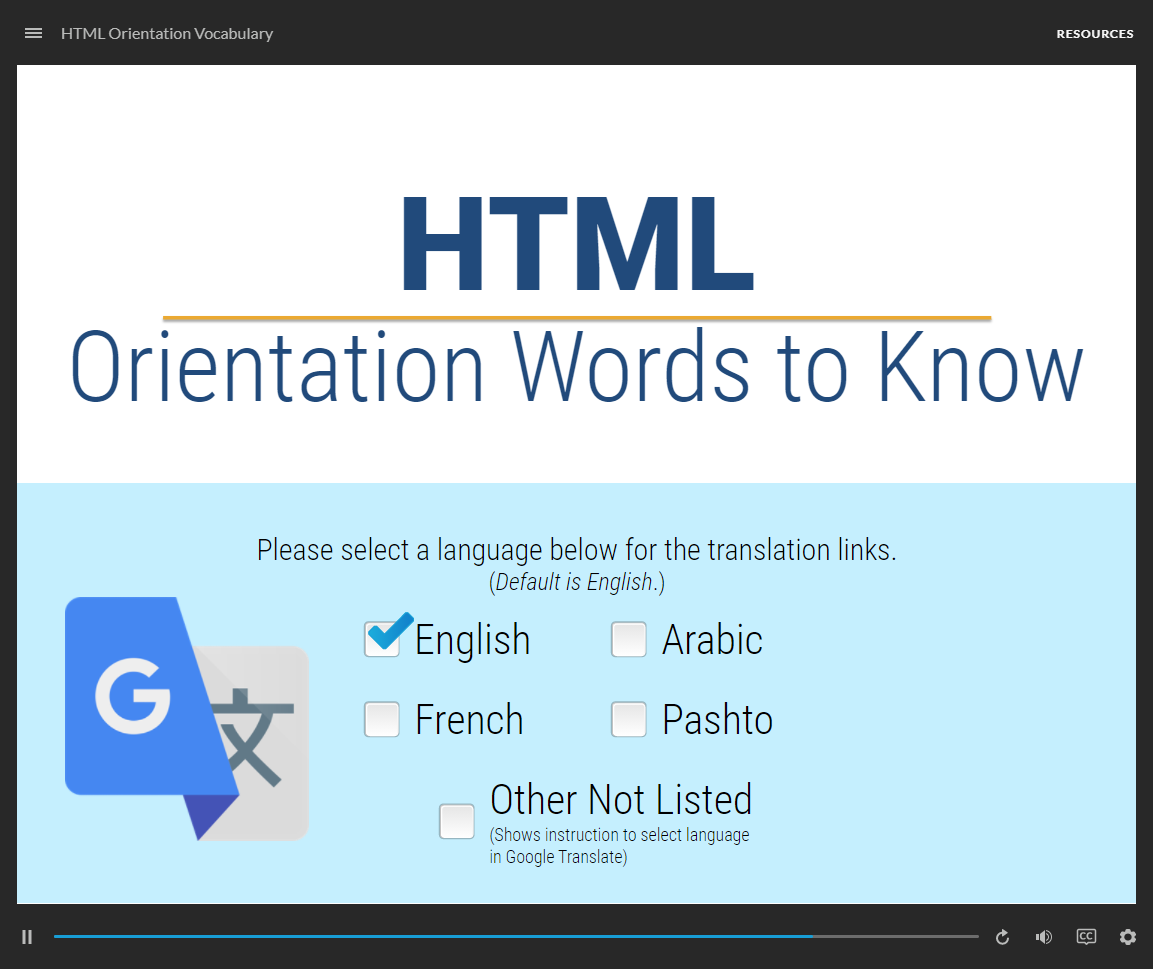
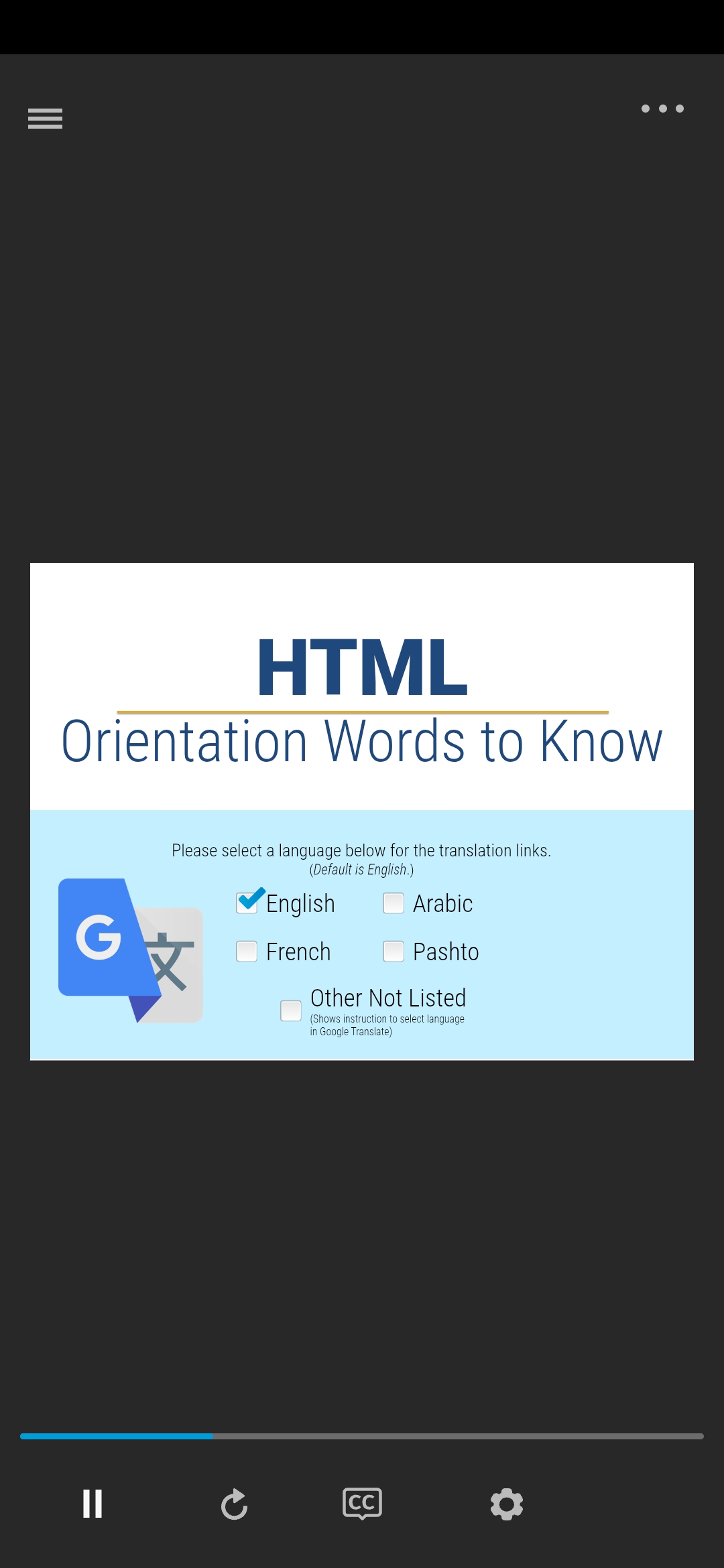
Project Screenshots / Interactive Glossary Interface
Design Process
Research & Analysis
The project began with user research involving 25 technical training participants. Key findings included:
- 78% of learners struggled with terminology retention
- Users preferred quick lookup over comprehensive explanations
- Mobile access was critical for field-based learners
Solution Development
Based on research insights, I designed a progressive disclosure system that:
- Provides immediate term recognition
- Offers expandable detailed explanations
- Includes contextual examples and usage scenarios
- Maintains consistent visual hierarchy
“95% user satisfaction in post-training surveys with 40% reduction in terminology-related support requests”
Technical Implementation
The glossary uses vanilla JavaScript for optimal performance and broad compatibility:
- JSON-based content management for easy updates
- CSS Grid for responsive layout
- Intersection Observer API for smooth animations
- Local storage for user preferences
Results & Impact
- 95% user satisfaction in post-training surveys
- 40% reduction in terminology-related support requests
- 65% increase in term retention during assessments
- Successfully deployed across 5 training programs
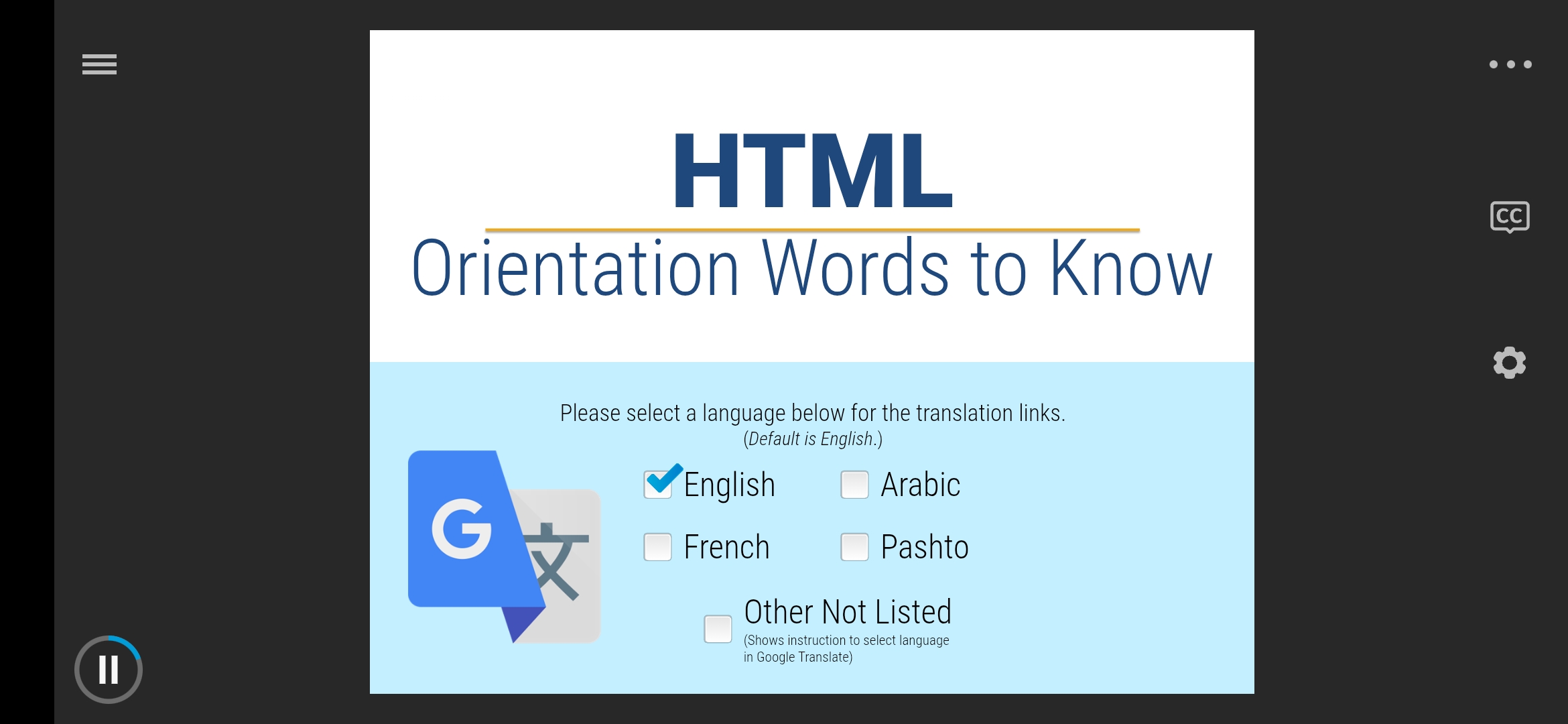 Mobile-responsive interface optimized for field-based learners
Technical Specifications
- Built with Articulate Storyline 360 for enhanced accessibility and multimedia learning
- Custom JavaScript triggers integrate with Google Translate URL for multilingual support
- Multimodal accessibility: Learners can read, view images, and hear audio for each term and definition
- Language support: Seamless navigation to Google Translate for non-English primary language speakers
- Cross-browser compatible and optimized for performance (< 2MB total size)
This project demonstrates how thoughtful UX design combined with solid technical implementation can significantly improve learning outcomes in technical training environments.